Easy Way To Unban Your WhatsApp Account & WhatsApp Banned Reasons
WhatsApp is one of the most popular messaging applications in the world. Millions of users rely on it daily for chatting, voice calls, video calls, business communication, and sharing media. However, many users face a frustrating issue — their WhatsApp account gets banned. If you have ever opened the app and seen the message “Your phone number is banned from using WhatsApp,” you know how stressful it can be.
In this article, you will learn the common reasons why WhatsApp bans accounts and the easy steps you can follow to unban your WhatsApp account safely.
Why Does WhatsApp Ban Accounts?
WhatsApp has strict policies to maintain security, privacy, and a spam-free environment. If someone violates these rules, the account may be temporarily or permanently banned.
Here are the most common reasons:
Using Unofficial or Modded Apps
One of the biggest reasons for bans is using modified versions of WhatsApp such as WhatsApp GB, WhatsApp Plus, FM WhatsApp, or other third-party apps. These apps are not authorized by WhatsApp and often violate its terms of service.
Using such apps can result in:
Temporary ban (24–72 hours)
Permanent ban
Data privacy risks
- Sending Spam Messages
If you send bulk messages, promotional links, or repeatedly forward the same message to many users, WhatsApp may detect it as spam behavior.
Spam includes:
Sending messages to unknown numbers
Repeated promotional texts
Suspicious links
Fake offers
- Being Reported by Multiple Users
If many users block and report your number, WhatsApp’s system may automatically review your account. Too many reports can lead to suspension.
- Sharing Illegal or Harmful Content
WhatsApp strictly prohibits:
Fake news
Hate speech
Violence-related content
Copyrighted material
Adult or inappropriate content
If detected, the account can be banned immediately.
- Automation or Bots
Using automation tools, auto-messaging systems, or bots without official permission (especially on personal accounts) can result in a ban.
- Suspicious Activity
If your account suddenly sends a high number of messages or logs in from multiple unusual locations, WhatsApp may flag it as suspicious.
Types of WhatsApp Bans
Temporary Ban
This usually happens when using mod apps. A timer will appear on your screen. After the countdown ends, you can use WhatsApp again — but only if you switch to the official app.
Permanent Ban
In this case, you see the message:
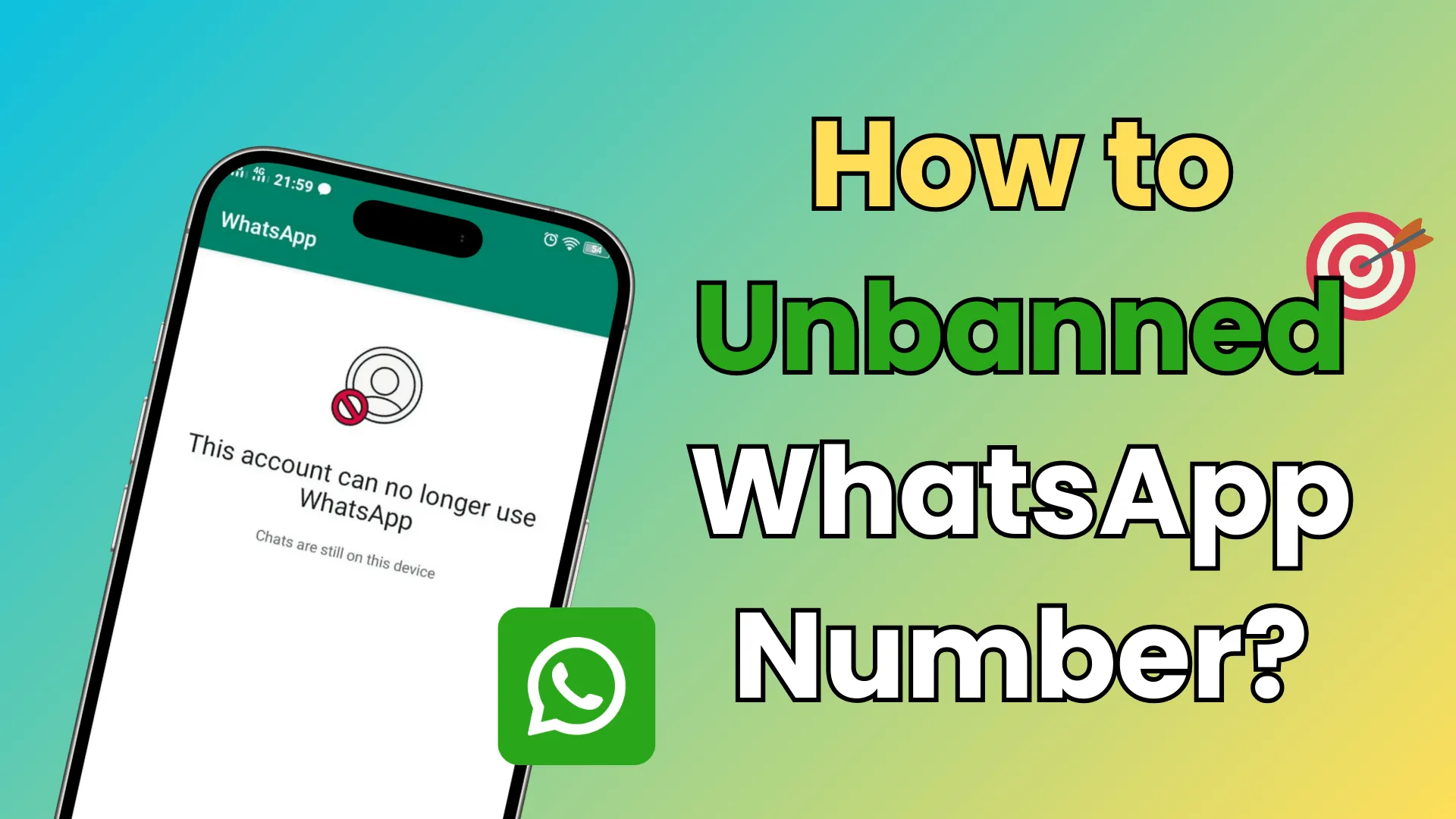
“Your phone number is banned from using WhatsApp. Contact support for help.”
Permanent bans require contacting WhatsApp support.
Easy Way To Unban Your WhatsApp Account
If your WhatsApp account is banned, follow these steps carefully:
Step 1: Identify the Type of Ban
First, check whether it is temporary or permanent.
If there is a timer → Temporary Ban
If it says contact support → Permanent Ban
Step 2: Uninstall Modded Versions
If you were using GB WhatsApp, WhatsApp Plus, or any other unofficial app:
- Backup your chats (if possible).
- Uninstall the modded app.
- Download the official WhatsApp from the Google Play Store or Apple App Store.
- Verify your number again.
In many temporary ban cases, this alone solves the problem.
Step 3: Contact WhatsApp Support
If your account is permanently banned, follow this process:
- Open WhatsApp.
- Tap on “Support” option.
- Write a polite message explaining your issue.
Example message:
“Hello WhatsApp Team,
My phone number +92XXXXXXXXXX has been banned. I believe this was a mistake. I assure you that I will follow all WhatsApp terms and policies in the future. Kindly review my account and restore access. Thank you.”
Be polite and professional. Do not use aggressive language.
You can also contact them via email: support@whatsapp.com
Step 4: Wait Patiently
After contacting support, wait 24–72 hours. In some cases, it may take longer. If your ban was accidental or minor, WhatsApp may restore your account.
Step 5: Create a New Account (Last Option)
If WhatsApp refuses to unban your number:
Use a new phone number.
Install official WhatsApp.
Follow all policies strictly.
However, your old chat data may not be recoverable.
Important Tips To Avoid Future Bans
Once your account is restored, follow these safety tips:
✔ Always Use Official WhatsApp
Never use mod APK versions.
✔ Avoid Bulk Messaging
Do not send repeated promotional messages.
✔ Respect Community Guidelines
Avoid offensive, fake, or harmful content.
✔ Don’t Use Automation Tools
Unless you are using official WhatsApp Business API properly.
✔ Be Careful with Forwarded Messages
Forwarding too many messages quickly can trigger spam detection.

Special Advice for Business Users
If you are running a business and using WhatsApp for marketing:
Use WhatsApp Business app instead of normal WhatsApp.
Get user consent before sending promotional messages.
Avoid buying contact lists.
Send messages only to interested customers.
Following ethical marketing practices reduces the risk of bans.
Can a Permanently Banned Account Always Be Recovered?
The answer is: Not always.
If the violation was serious (illegal content, fraud, scams), WhatsApp may permanently block the number without recovery.
However, many users successfully recover accounts if:
The ban was accidental
It was due to mod app usage
It was spam detection error
Common Myths About Unbanning WhatsApp
❌ “There is an APK that can unban WhatsApp.”
No. There is no official APK that guarantees unbanning.
❌ “You can pay someone to unban it.”
Most such services are scams.
❌ “Factory reset fixes ban.”
No. The ban is linked to your phone number, not your device.
Final Words
Getting your WhatsApp account banned can be stressful, especially if you use it for business or daily communication. However, in many cases, the problem can be solved by switching to the official app and contacting WhatsApp support politely.
The key to avoiding bans is simple:
Follow WhatsApp rules
Avoid modded apps
Do not spam
Respect user privacy
If you use WhatsApp responsibly, you can enjoy secure and uninterrupted communication.
Always remember: Prevention is better than recovery. Follow the guidelines, stay safe, and keep your account secure.