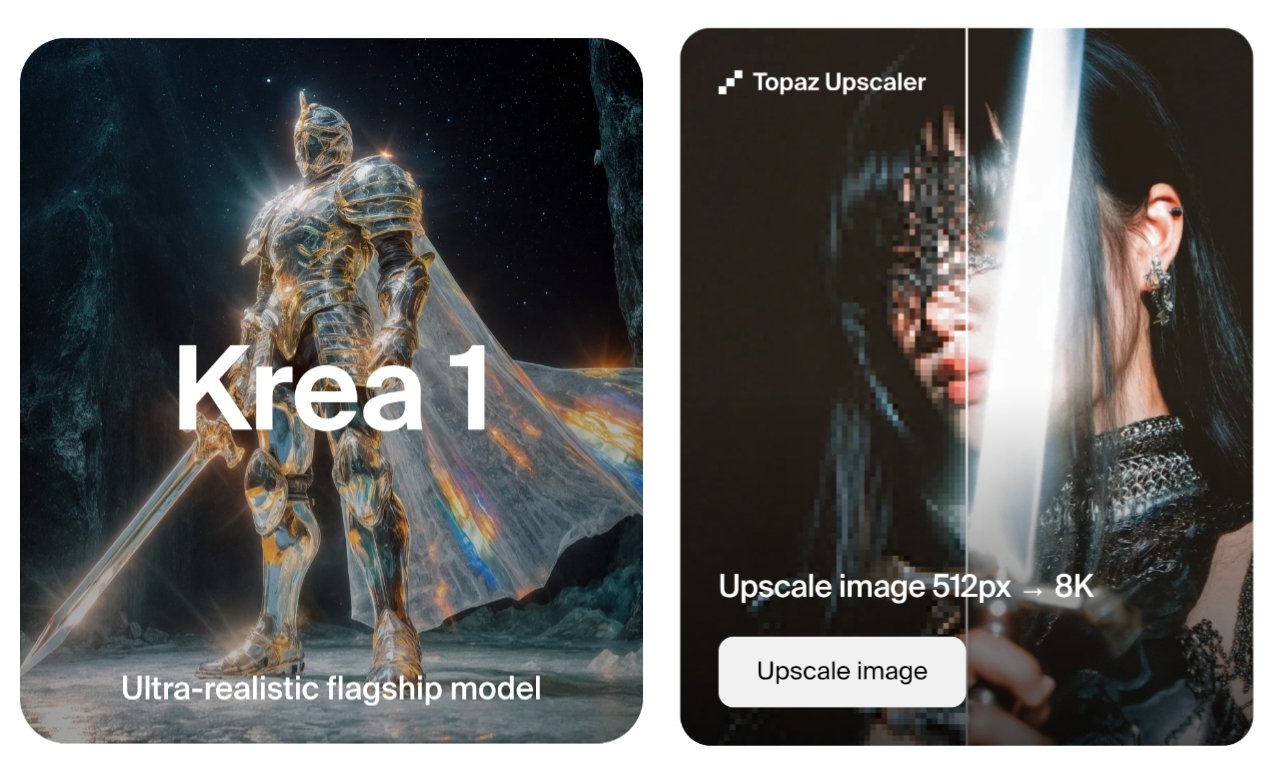
Best APKs for Upgrading Photo Quality to 8K Resolution
In the era of high-resolution displays, digital imaging has evolved rapidly. Whether you’re a photographer, content creator, or casual mobile user, the demand for sharper, more detailed photos is ever increasing. Traditionally, improving photo quality—especially upscaling lower-resolution images to 8K—was a task reserved for powerful desktop software. Today, thanks to advancements in AI and on-device processing, Android APKs can transform ordinary photos into high-resolution masterpieces directly on your smartphone.
This article explores the best APK apps that can upgrade photo quality to 8K resolution, how they work, their features, pros and cons, tips for use, and factors to consider before choosing a photo upscaler app.
Introduction to Photo Upscaling and 8K Resolution
Upscaling refers to enhancing an image’s resolution by increasing the pixel count. 8K resolution means the image has approximately 7680 × 4320 pixels—four times more than 4K and sixteen times more than 1080p. This level of detail allows printed large formats, high-resolution displays, and crisp visuals on modern devices.
In the past, upscaling caused blurriness, jagged edges, and quality loss. However, AI-powered algorithms like machine learning models, edge detection, and deep learning now accurately guess visual details, making upscaling more reliable than ever.
On Android, certain APKs harness these technologies to let users upscale photos to 8K resolution quickly, conveniently, and often with impressive results.
How AI Photo Upscaling Works
Before listing the best APKs, it’s helpful to understand the technology behind them.
- Deep Learning and Neural Networks
AI upscaling apps use neural networks trained on millions of images. When you upload a photo:
The model analyzes shapes, shadows, edges, and textures.
It uses learned patterns to generate additional pixels.
This fills gaps intelligently rather than simply stretching the image.
- Pixel Prediction
Traditional resizing interpolates pixels linearly. AI models predict pixel values based on context and visual similarity, leading to more natural upscales.
- Noise Reduction and Sharpening
AI apps often come with denoise, sharpen, and texture enhancement features that refine details while keeping the image clean.
Key Factors When Choosing a Photo Upscaler APK
Before diving into the best apps, consider these criteria:
✔ Quality of Upscaling
Not all apps deliver true 8K enhancement. Check sample outputs.
✔ AI vs. Traditional Algorithms
AI-based upscalers almost always outperform traditional ones in preserving detail.
✔ Speed and Performance
On-device upscaling can be resource-heavy. Some APKs offer cloud processing for faster results.
✔ User Interface
Ease of use matters—especially for beginners.
✔ Output Options
Some apps export JPEG, PNG, or TIFF at varying quality and compression settings.
✔ Privacy and Security
Ensure the app does not upload photos to unknown servers without consent.
Top APKs for Upgrading Photo Quality to 8K
Here are the best Android APKs for upscaling your photos to 8K resolution:
- Remini: AI Photo Enhancer
Overview:
Remini is one of the most popular AI photo enhancement apps. It uses advanced neural networks to enhance old, blurry, or low-resolution photos into crisp high-resolution versions.
Key Features:
AI enhancement for photos and videos
Face recognition and detail recovery
Batch processing capabilities
Cloud-based processing for faster results
Pros:
Exceptional detail restoration for portraits
Simple interface suitable for beginners
Cons:
Free version has daily limits
Quality may vary with non-face images
Why It’s Great for 8K:
Remini’s AI can substantially improve detail, making a photo look much closer to high resolution. With consistent use and upgrades, it can approach 8K-ready quality.
- PhotoAI – Enhancer & Upscaler
Overview:
PhotoAI focuses on upscaling images while preserving textures and fine detail using deep learning.
Key Features:
Supports upscaling up to 8K resolution
Noise reduction and sharpening tools
Preset enhancement filters
Efficient memory usage for mobile
Pros:
Smooth, natural enhancements
Good balance of automation and manual control
Cons:
May require device with higher RAM
Some filters are locked behind premium
Why It’s Great:
Designed with upscaling in mind, PhotoAI gives users more control over enhancement settings to target critical areas like shadows, highlights, and fine edges.
- AI Image Enlarger
Overview:
AI Image Enlarger is a lightweight upscaling tool that lets you enlarge images up to 800% without losing quality.
Key Features:
Supports up to 8K enlargement
Smoother edges and reduced noise
Simple tap-to-enhance workflow
Works great for nature, pets, and artwork photos
Pros:
Fast upscaling even on older devices
Intuitive interface
Cons:
Extra features require in-app purchase
Not as strong on portraits as specialized apps
Why Choose It:
Perfect for users wanting a fast and easy way to upscale landscape or object photos to higher resolutions, including 8K.
- EnhanceFox – AI Photo Enhancer
Overview:
EnhanceFox uses intelligent reconstruction AI to clear blur, improve clarity, and upscale images.
Key Features:
Blur removal and face refinement
Resolution boost up to 8K
Old photo restoration
Realistic detail prediction
Pros:
Great for old photos and blurred images
Facial detail is surprisingly accurate
Cons:
Watermark on free version
Processing can be slower on older phones
Why It’s Useful:
For users restoring old images or wanting a more natural texture after upscaling, EnhanceFox delivers reliable results.
- Adobe Photoshop Express (with Upscale Plugins)
Overview:
Adobe’s mobile Photoshop Express isn’t a dedicated upscaler, but with add-ons or plugins it can enhance resolution effectively.
Key Features:
Industry-grade enhancement tools
Noise reduction, clarity, detail control
Supports high DPI export
Integration with Creative Cloud
Pros:
Trusted brand and quality
Powerful manual adjustment tools
Cons:
Upscaling capabilities are limited without plugins
Requires subscription for full features
Why It’s Worth Considering:
If you want a mix of manual control and AI assistance with high-end editing tools, Photoshop Express is a solid choice.
Tips for Using Photo Upscaler APKs Effectively
To get the best results when upgrading photos to 8K resolution:
📌 1. Start With the Best Source Available
Higher original quality means better upscaling output.
📌 2. Avoid Over-Enhancing
Too much sharpening or AI detail can make images look artificial.
📌 3. Use Multiple Apps for Best Results
Sometimes combining outputs—like cleanup from one app and detail boost from another—yields superior results.
📌 4. Work in Steps
Upscale incrementally (e.g., 2K → 4K → 8K) rather than jumping directly to 8K.
📌 5. Check for Noise
After upscaling, use noise reduction filters to smooth out artifacts while preserving detail.
Common Challenges in Mobile Photo Upscaling
❗ Device Limitations
Phones without dedicated AI processors may struggle with higher resolutions.
❗ Processing Time
Upscaling to 8K demands heavy computation; expect longer processing times, especially on older devices.
❗ AI Errors
Sometimes AI may invent details inaccurately—especially in backgrounds or complex textures.
❗ Watermarks and Premium Limits
Free versions often add watermarks or restrict high-resolution export.
Privacy and Security Reminder
Some photo enhancement APKs upload images to cloud servers for processing. Before using: ✔ Check the app’s privacy policy
✔ Turn off cloud processing if concerned
✔ Avoid uploading sensitive or private images
Local processing options are safer because data stays on your device.
Conclusion – Which APK Is Best for 8K Photo Upscaling?
There’s no one-size-fits-all answer. It depends on your priorities:
User Priority Recommended APK
Best for Portrait AI Enhancement Remini
Best for Dedicated Upscaling PhotoAI
Fast & Easy Upscale AI Image Enlarger
Best for Old Photo Restoration EnhanceFox
Professional Editing + Upscale Adobe Photoshop Express
If you want overall best balance, PhotoAI and AI Image Enlarger tend to deliver reliable 8K-ready results with minimal fuss.
DOWNLOAD
- Final Thoughts
Mobile photo upscaling has come a long way. What once required desktop software can now be done with a few taps, thanks to AI-powered APKs. Whether you’re upscaling old family photos, preparing images for large prints, or enhancing content for social media, these tools make high-resolution imaging accessible on Android.
As AI technology advances further, expect even more accurate upscaling, faster processing, and better preservation of visual detail. The future of mobile photography is high-resolution and high-quality—and these APKs are your gateway.