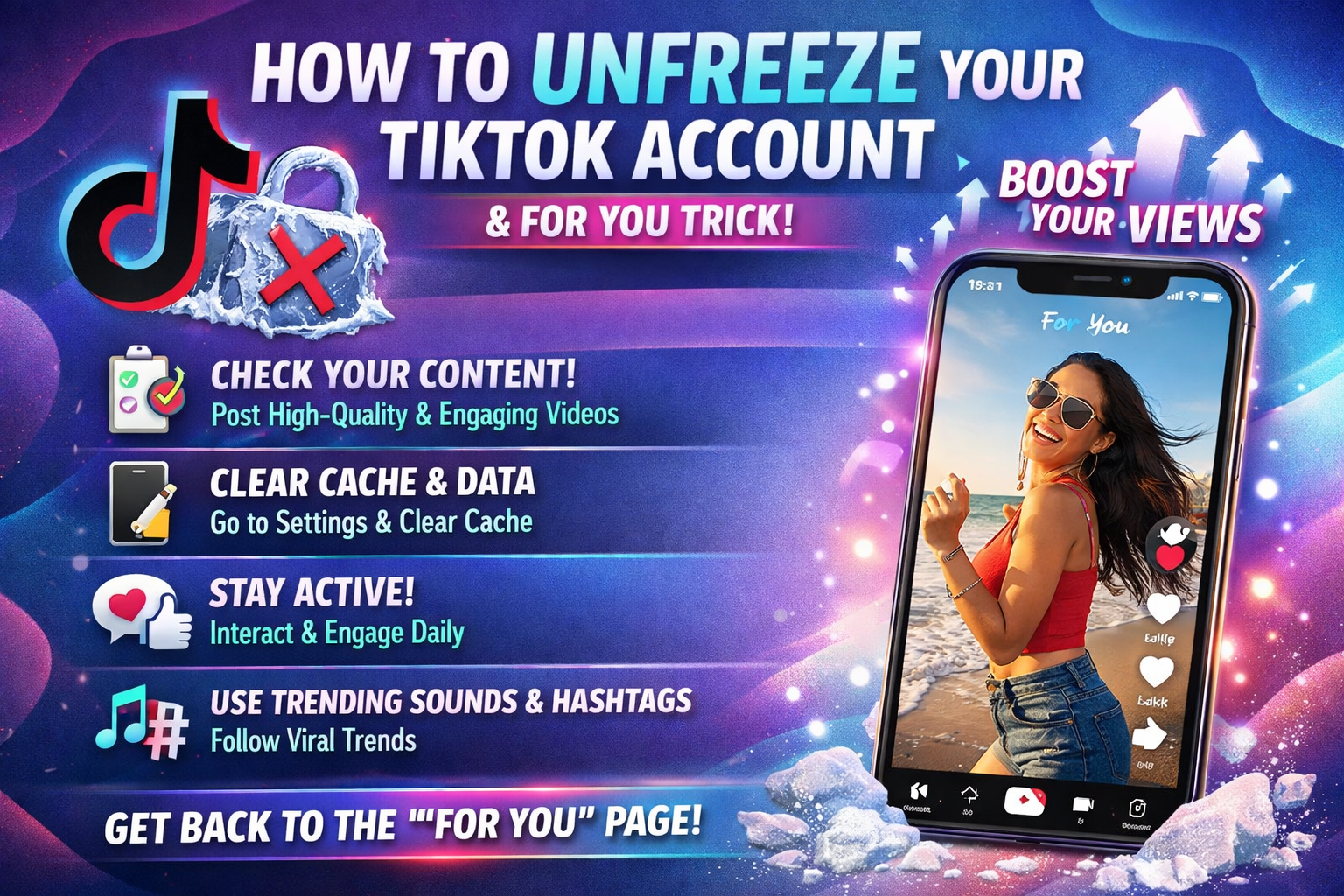
APK for Unfreeze Your TikTok Account
In today’s digital world, TikTok has become one of the most powerful social media platforms for entertainment, creativity, business promotion, and personal branding. Millions of users upload videos daily, grow followers, earn money through brand deals, and build strong online communities. However, many users face a frustrating issue — their TikTok account gets frozen, temporarily restricted, or permanently banned. When this happens, people immediately start searching for solutions, including APKs that claim to “unfreeze” TikTok accounts.
This article explains what an APK for unfreezing a TikTok account means, how account freezing works, whether such APKs are safe, and the correct and secure methods to recover your account.
What Does “Frozen TikTok Account” Mean?
A frozen TikTok account usually means that the platform has restricted your account due to suspicious activity or violations of community guidelines. When your account is frozen, you may experience:
Inability to log in
Temporary posting restrictions
Disabled commenting or live streaming
Shadowban (low reach and engagement)
Permanent suspension
TikTok uses automated systems and manual reviews to monitor user behavior. If the system detects policy violations, your account may be limited or suspended.
Common Reasons TikTok Accounts Get Frozen
Before looking for any APK solution, it is important to understand why accounts get frozen in the first place. Common reasons include:
- Violating Community Guidelines
Posting content that contains nudity, hate speech, harassment, misinformation, or copyrighted material can result in account restrictions.
- Spam Activity
Excessive liking, commenting, following/unfollowing in a short time can trigger TikTok’s spam detection system.
- Using Unauthorized Third-Party Apps
Many users use modified TikTok APKs for extra features like downloading videos without watermark or increasing followers. TikTok can detect such apps and freeze accounts.
- Multiple Login Attempts
Repeated failed login attempts or suspicious login locations may cause temporary freezing for security reasons.
- Mass Reporting
If many users report your account, TikTok may freeze it while reviewing the content.
What Is an APK for Unfreezing TikTok Accounts?
An APK (Android Package Kit) is a file format used to install apps on Android devices. When people search for “APK to unfreeze TikTok account,” they usually mean a modified application that claims to:
Bypass TikTok restrictions
Restore banned accounts
Remove shadowban
Unlock suspended features
These APKs are often promoted as “TikTok Unban APK,” “TikTok Recovery Tool,” or “TikTok Account Fixer.”
However, it is important to understand a key fact:
There is no official APK from TikTok that can magically unfreeze your account.
Are TikTok Unfreeze APKs Real?
Most APKs that claim to unfreeze TikTok accounts are not legitimate. They cannot directly access TikTok’s internal moderation system. Only TikTok’s official support team can restore a suspended or frozen account after reviewing the case.
Many third-party APKs make false promises. They may:
Steal login credentials
Install malware
Collect personal data
Damage your device
Permanently ban your account
Risks of Using Unofficial TikTok APKs
- Account Theft
Some fake recovery APKs ask you to log in with your TikTok username and password. Hackers can capture this information and take control of your account.
- Permanent Ban
TikTok’s system can detect modified apps. Using unofficial versions can lead to permanent account suspension.
- Data Privacy Issues
Malicious APKs can access your contacts, photos, messages, and other private data.
- Financial Fraud
Some apps request payment for “premium unfreeze service” but provide no real solution.
Safe and Legal Ways to Unfreeze a TikTok Account
Instead of using risky APKs, here are the proper steps to recover your account safely.
- Check TikTok Notifications
When your account is frozen, TikTok usually sends a notification explaining the reason. Read it carefully.
- Submit an Appeal
If you believe your account was frozen by mistake, you can submit an appeal:
Open TikTok
Go to the login page
Tap “Appeal”
Explain your situation clearly
Be polite and honest in your explanation.
- Contact TikTok Support
You can report a problem via:
Profile → Settings and Privacy → Report a Problem
Visit TikTok’s official support website
Provide your username, email, and a detailed explanation.
- Verify Your Identity
Sometimes TikTok freezes accounts due to suspicious activity. You may need to verify your phone number or email address.
- Wait for Review
TikTok reviews cases manually in many situations. It may take 24 hours to several days.
How to Avoid Account Freezing in the Future
Instead of searching for unfreeze APKs, focus on prevention. Here are important tips:
Follow Community Guidelines
Always read TikTok’s rules and avoid sensitive or restricted content.
Avoid Spam Behavior
Do not use auto-liking or auto-follow apps.
Use Only Official TikTok App
Download TikTok only from:
Google Play Store
Apple App Store
Never use modded or cracked versions.
Protect Your Account
Enable two-factor authentication
Use a strong password
Avoid sharing login details
Create Original Content
Avoid reposting copyrighted videos without permission.
Understanding Shadowban vs. Frozen Account
Many users confuse shadowban with account freezing.
Shadowban
Your account is active, but your videos get very low views and do not appear on the For You Page.
Frozen Account
You cannot post, log in, or use features.
Shadowban usually resolves by:
Deleting violating content
Staying inactive for 2–3 days
Posting original content
There is no real APK that removes shadowban instantly.
Why People Search for TikTok Unfreeze APKs
The demand for such APKs comes from:
Influencers losing income
Businesses losing customers
Creators losing followers
Emotional attachment to accounts
When someone works hard for months or years, losing access feels devastating. That’s why people look for quick solutions. Unfortunately, quick-fix APKs are usually scams.
Myths About TikTok Unfreeze Tools
Myth 1: APK Can Hack TikTok Server
No third-party app can legally access TikTok’s internal system.
Myth 2: Paying Money Guarantees Recovery
Only TikTok can officially restore accounts.
Myth 3: VPN + APK Can Remove Ban
Using a VPN may allow login in some cases, but it does not remove account suspension.
What to Do If Your Account Is Permanently Banned
DOWNLOAD
If TikTok rejects your appeal:
- Accept the decision
- Create a new account
- Follow all guidelines carefully
- Avoid repeating mistakes
Sometimes learning from mistakes is the best solution.
Signs an Unfreeze APK Is Fake
Be cautious if an app:
Promises instant recovery
Asks for payment before service
Has no official website
Is not available on Google Play
Requests unnecessary permissions
Always research before installing any APK.
The Psychological Impact of Account Freezing
Losing access to a TikTok account can cause stress, anxiety, and frustration. Many creators depend on TikTok for income and recognition. It is important to:
Stay calm
Avoid panic decisions
Avoid installing risky apps
Follow official recovery process
The Future of Account Security on TikTok
TikTok is continuously improving its security and moderation systems. Artificial intelligence detects suspicious behavior faster than before. This means:
It is harder to bypass bans
Modded APKs are quickly detected
Official recovery is the safest way
Users should focus on compliance instead of bypassing restrictions.
Conclusion
An APK for unfreezing a TikTok account may sound like a quick and easy solution, but in reality, there is no legitimate third-party app that can restore a frozen or banned TikTok account. Most APKs claiming to unfreeze accounts are unsafe, fraudulent, or harmful.
The only safe and reliable way to recover a frozen TikTok account is through TikTok’s official appeal and support process. Users should avoid using modded applications and focus on following community guidelines to prevent future restrictions.
Instead of risking your data and account security with unofficial APKs, choose the legal and safe path. Protect your account, create original content, follow platform rules, and build your presence responsibly.
TikTok success requires patience, creativity, and compliance — not shortcuts.
