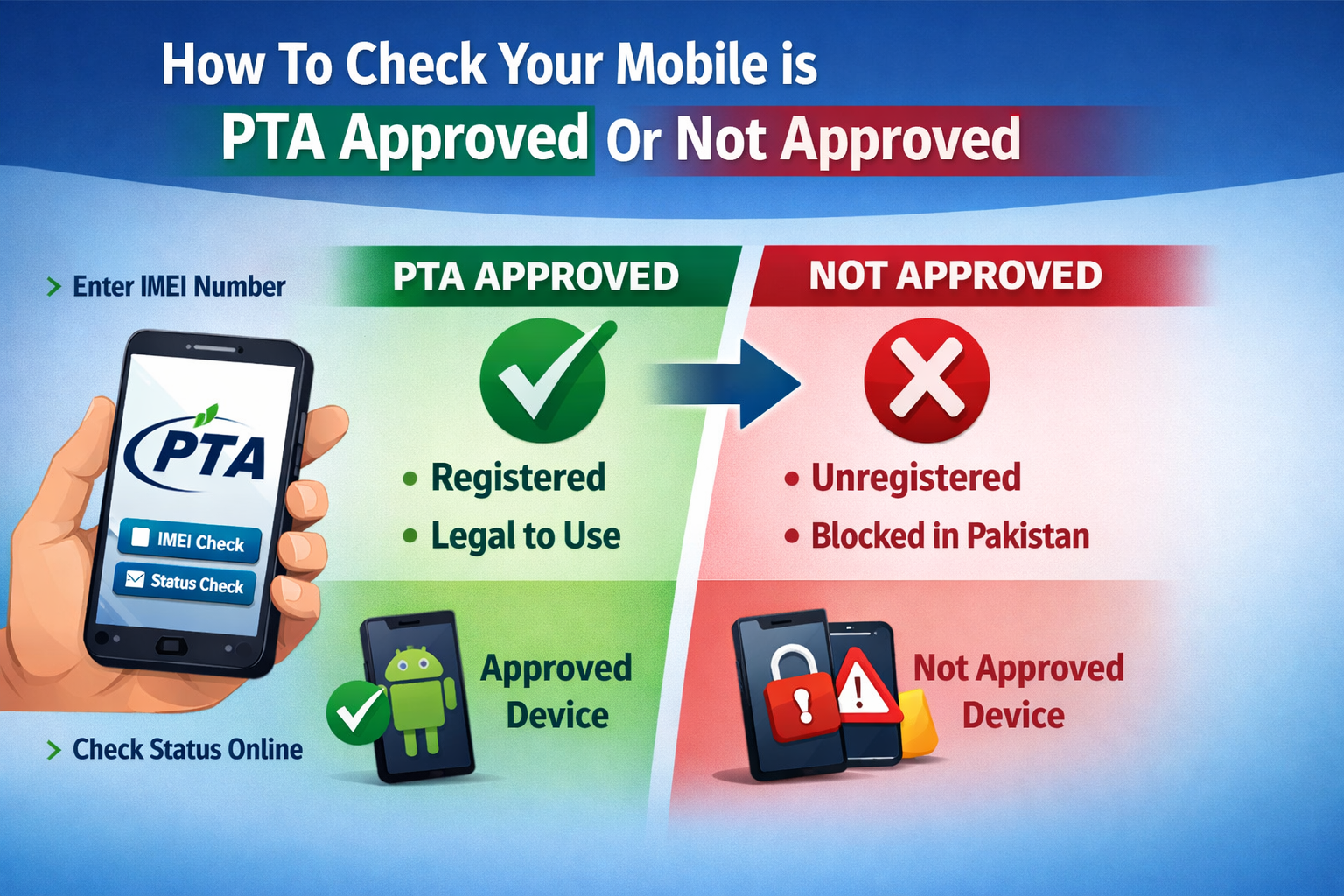
APK for Checking Your Phone Is PTA Approved or Not Approved
In today’s digital world, smartphones have become an essential part of our daily lives. From communication and online banking to social media, business operations, and entertainment, mobile devices play a central role in modern society. In Pakistan, however, owning a smartphone involves an additional important factor: PTA approval. Many users are often confused about whether their device is PTA approved or not approved, and this uncertainty can lead to serious issues such as SIM blocking and network restrictions. As a result, APK applications designed to check PTA approval status have gained significant popularity.
This article provides a complete and detailed explanation of APKs used to check whether your phone is PTA approved or not approved, how they work, their benefits, features, importance, and how to use them safely.
What Is PTA Approval?
PTA stands for Pakistan Telecommunication Authority. It is the regulatory body responsible for managing telecommunication systems in Pakistan. To control illegal mobile phone imports and ensure tax compliance, PTA introduced a system known as DIRBS (Device Identification Registration and Blocking System).
Under this system, every mobile phone used with a Pakistani SIM card must be registered and approved by PTA. If a device is not registered or approved, it may be blocked from using cellular networks in Pakistan.
PTA approval ensures:
The device is legally imported.
Applicable taxes and duties have been paid.
The device is not stolen or illegally modified.
The IMEI number is valid and recognized.
What Happens If a Phone Is Not PTA Approved?
If your phone is not PTA approved:
It may work temporarily with a SIM card.
After a certain period (usually 60 days for overseas devices), it will be blocked.
You will not be able to make calls, send SMS, or use mobile data.
Only Wi-Fi may work.
This is why checking PTA approval before purchasing a new or used smartphone is extremely important.
What Is an APK for Checking PTA Approval?
An APK (Android Package Kit) is the installation file format used by Android operating systems to install apps. An APK for checking PTA approval is an Android application that allows users to verify whether their smartphone is registered and approved by PTA.
These apps connect with PTA databases or provide official IMEI verification methods to instantly show whether your device is:
PTA Approved
PTA Non-Approved
Blocked
Compliant but not registered
Under temporary approval
Such applications are especially useful for buyers of second-hand phones and overseas imported devices.
Why Is a PTA Check APK Important?
There are several reasons why installing a PTA check APK is beneficial:
- Avoid Buying Blocked Phones
When purchasing a used phone, sellers may not always disclose whether the phone is PTA approved. A quick check using the app can save you from financial loss.
- Instant Verification
Instead of visiting official websites repeatedly, the app provides quick access in seconds.
- Easy IMEI Access
Most apps automatically detect your phone’s IMEI number, eliminating the need to dial *#06# manually.
- Save Time and Effort
You don’t need to visit PTA offices or navigate complicated online forms.
- Safe Online Shopping
If buying from online marketplaces, you can verify approval status before confirming your purchase.
Key Features of a PTA Approval Checking APK
A high-quality PTA checking APK usually includes the following features:
- IMEI Detection
Automatically fetches your device IMEI number.
- Manual IMEI Entry
Allows users to enter IMEI manually for checking other phones.
- Instant Status Result
Shows whether the phone is approved or not approved within seconds.
- DIRBS Integration
Uses official PTA DIRBS verification methods.
- Clean and User-Friendly Interface
Simple design for easy navigation.
- Lightweight App Size
Does not consume excessive storage or RAM.
- History Log
Some apps keep previous IMEI check records.
- Secure and Private
Does not store sensitive user information.
How Does a PTA Checking APK Work?
The working process is simple:
- The app retrieves the IMEI number of your device.
- It connects to PTA’s DIRBS system or official verification servers.
- It submits the IMEI for verification.
- The system checks whether the IMEI is registered in the database.
- The app displays the result:
Compliant (PTA Approved)
Non-Compliant (Not Approved)
Blocked
DOWNLOAD
How to Use a PTA Check APK
Using the app is very easy. Follow these steps:
- Download and install the PTA checking APK.
- Open the application.
- Allow necessary permissions (if required).
- Click on “Check PTA Status.”
- Wait for verification.
- View the result displayed on your screen.
Alternatively, you can manually enter an IMEI number to check a different phone.
Who Should Use a PTA Check APK?
The app is useful for:
Buyers of used smartphones
Importers of mobile devices
Overseas Pakistanis bringing phones from abroad
Mobile shop owners
Online marketplace buyers
Regular smartphone users
It ensures transparency and prevents fraud.
PTA Approval for Overseas Pakistanis
PTA allows overseas Pakistanis to temporarily use a phone for 60 days without registration. After that period, the device must be registered and taxes must be paid.
A PTA checking APK helps overseas visitors:
Monitor the remaining temporary approval time.
Check compliance status.
Common Status Results Explained
When checking via APK, you may see:
Compliant / PTA Approved
Your device is fully registered and allowed for use.
Non-Compliant
Your device is not registered and may be blocked soon.
Blocked
The device cannot access cellular services.
Temporarily Allowed
Advantages of Using an APK Instead of Manual Methods
While PTA also allows SMS verification (sending IMEI to 8484), using an APK has advantages:
Faster response
Automatic IMEI detection
No SMS charges
Cleaner result display
No manual typing errors
Safety and Security Considerations
When downloading any APK, especially outside the Google Play Store, you must be careful:
Download only from trusted sources.
Avoid apps asking for unnecessary permissions.
Do not install modified or cracked versions.
Check reviews before downloading.
Keep your device updated with antivirus protection.
Using unsafe APK files may risk malware or data theft.
Can a PTA Checking APK Bypass Approval?
No. A PTA checking APK only verifies status. It cannot:
Unlock blocked devices
Bypass PTA taxes
Change IMEI legally
Remove compliance restrictions
Any app claiming to bypass PTA systems is likely fake or illegal.
Legal and Ethical Importance
PTA approval ensures:
Government revenue collection through taxes.
Reduction in stolen phone usage.
Elimination of smuggled devices.
Better tracking of illegal activities.
Using approved devices supports legal compliance and national regulations.
Future of PTA Verification Apps
With increasing digitalization, PTA verification apps are expected to become:
More integrated with official systems.
More secure and encrypted.
Faster in response time.
Compatible with multiple platforms.
More user-friendly with AI-based assistance.
Mobile device regulation will continue to improve, and digital verification apps will play an important role.
Tips Before Buying a Used Phone
Before purchasing:
- Always check IMEI via APK.
- Verify both IMEI numbers in dual SIM phones.
- Compare IMEI from box and device settings.
- Avoid phones with mismatched IMEI.
- Request proof of PTA tax payment if needed.
These steps protect you from fraud and financial loss.
Conclusion
In Pakistan, PTA approval has become a crucial requirement for smartphone users. Owning a non-approved device can lead to blocked SIM services and inconvenience. Therefore, using an APK to check whether your phone is PTA approved or not approved is a smart, fast, and reliable solution.
Such applications provide instant IMEI verification, help prevent fraud, and ensure compliance with national telecommunication regulations. They are especially valuable for used phone buyers, importers, and overseas visitors.
However, users must always download trusted and official apps to avoid security risks. Remember, a PTA checking APK is a verification tool — not a bypass solution.
In today’s digital age, staying informed about your device’s legal status is not just an option but a necessity. A simple PTA approval check can save you time, money, and unnecessary stress.
By using the right APK responsibly, you can ensure your smartphone remains fully functional and legally compliant in Pakistan.
